 Free AI porn chat · fair-use
MuseRoom Original
 MuseRoom
Private AI porn workspace
Create, edit, enhance and chat in one account
MuseRoom · 18+
Open a supported saved chat reply, choose the available voice action, and create a private audio version that stays attached to that conversation.
Explore character voicesSign-in and a supported saved chat reply are required. Creating a new voice result requires an active subscription and enough Neurons for the current quote shown in the chat workflow. An existing eligible voice job or result is reused without a new credit reservation. No free standalone text-to-speech submission is offered.
Free AI porn chat · fair-use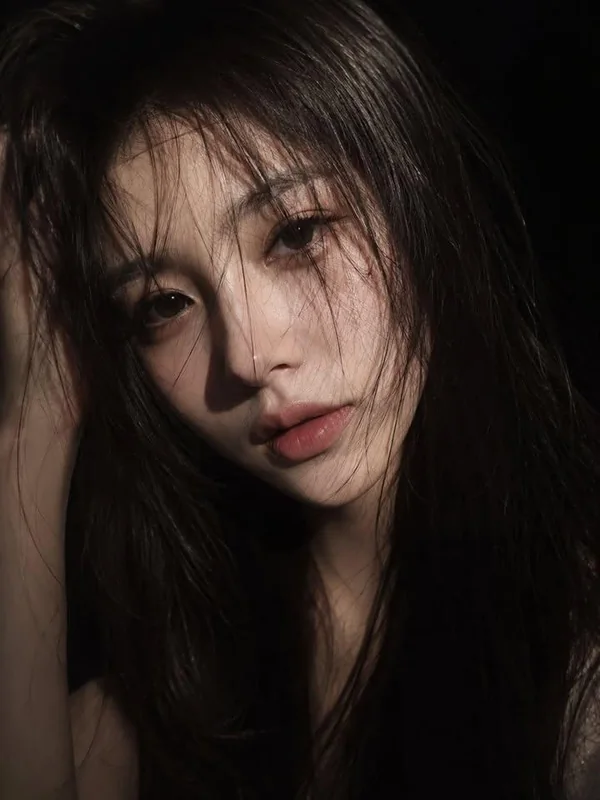 Free AI porn chat · fair-use
 Free AI porn chat · fair-use
 Free AI porn chat · fair-use
 Free AI porn chat · fair-use
 Free AI porn chat · fair-use

How it works
An eligible saved reply from a fictional adult character conversation and a supported voice selection.
Choose from the voice options exposed by the saved-reply action; changing a selection does not create a separate public audio page.
A private audio result attached to the eligible chat reply and delivered through controlled account media access.
About this tool
This character voice workflow adds spoken delivery to fictional AI porn character chat. It is useful for private erotic dialogue playback, adult character performance, and voice-enabled roleplay, but it does not accept arbitrary standalone text on this page.
Explore character voicesFeatures
An eligible saved reply from a fictional adult character conversation and a supported voice selection.
Choose from the voice options exposed by the saved-reply action; changing a selection does not create a separate public audio page.
A private audio result attached to the eligible chat reply and delivered through controlled account media access.
MuseRoom is limited to adults 18+ and fictional or properly permitted adult content. Uploads and results begin private. Sexual content involving minors, coercion, incapacitation, family scenarios, or unauthorized real-person likenesses is prohibited.
Visual inspiration
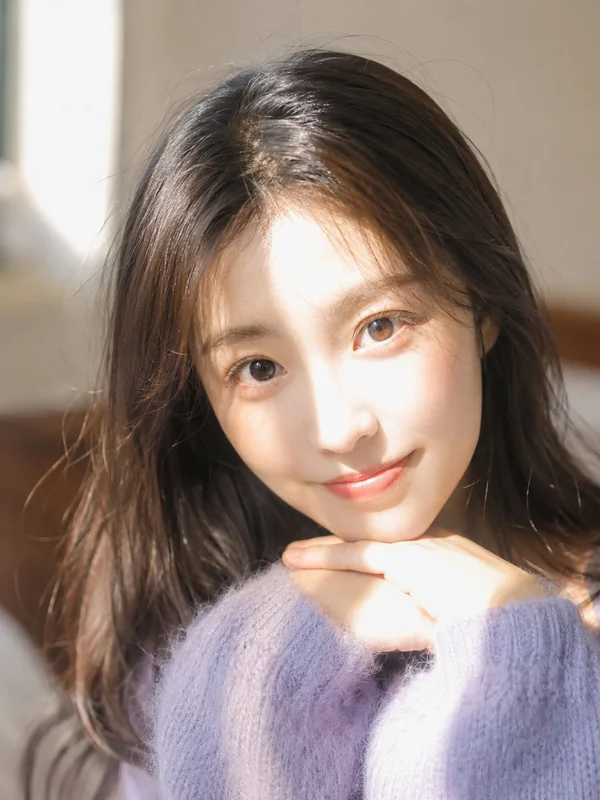
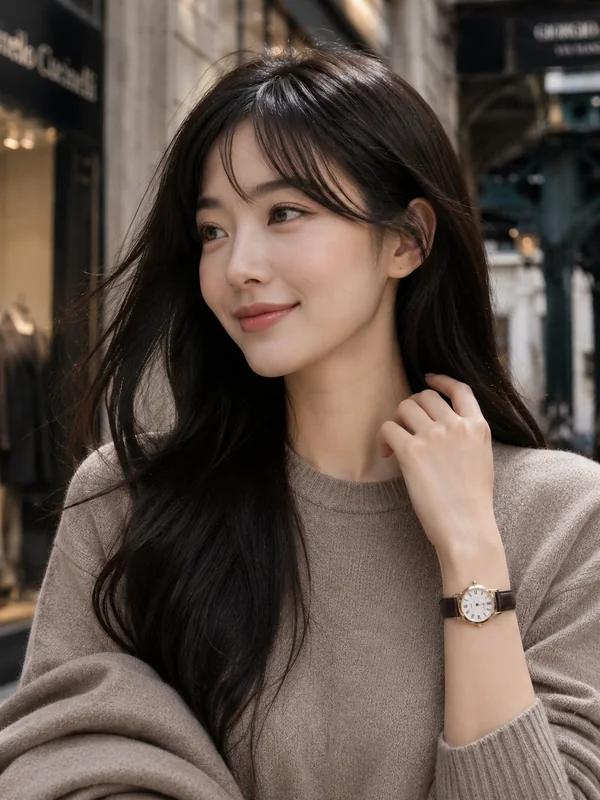
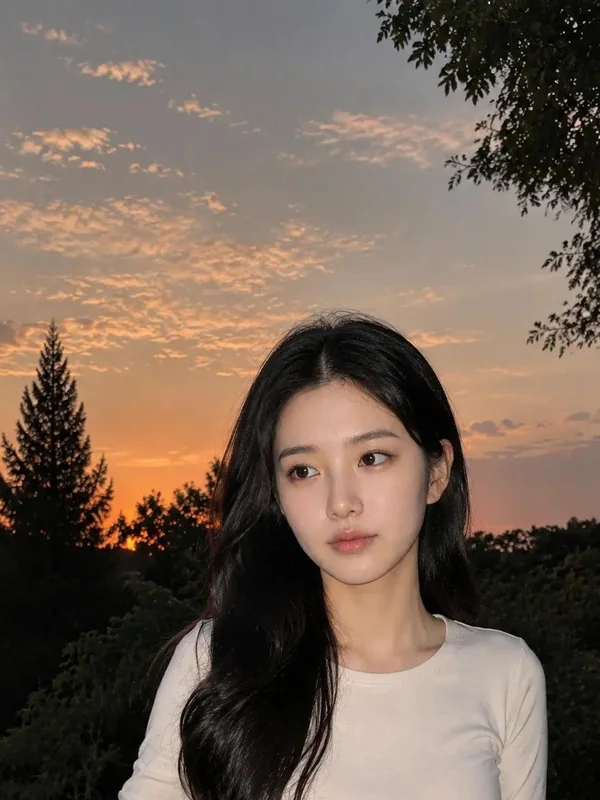
Editorial inspiration, not generated output examples.

Plans & access
Sign-in and a supported saved chat reply are required. Creating a new voice result requires an active subscription and enough Neurons for the current quote shown in the chat workflow. An existing eligible voice job or result is reused without a new credit reservation. No free standalone text-to-speech submission is offered.
MuseRoom
Continue to a saved conversation and check whether a reply has an available voice action. Review the access requirements before using it.
Explore character voicesSign-in and a supported saved chat reply are required. Creating a new voice result requires an active subscription and enough Neurons for the current quote shown in the chat workflow. An existing eligible voice job or result is reused without a new credit reservation. No free standalone text-to-speech submission is offered.
Choose from the voice options exposed by the saved-reply action; changing a selection does not create a separate public audio page.
MuseRoom is limited to adults 18+ and fictional or properly permitted adult content. Uploads and results begin private. Sexual content involving minors, coercion, incapacitation, family scenarios, or unauthorized real-person likenesses is prohibited.
MuseRoomAdult access could not be saved.